
Stop typing it in by hand,StockFeel does it for you.
Sales and purchases detected, your external services in one place, and AI that saves you time and helps you sell better.
What it replaces
Everything StockFeel automates
Forgetting
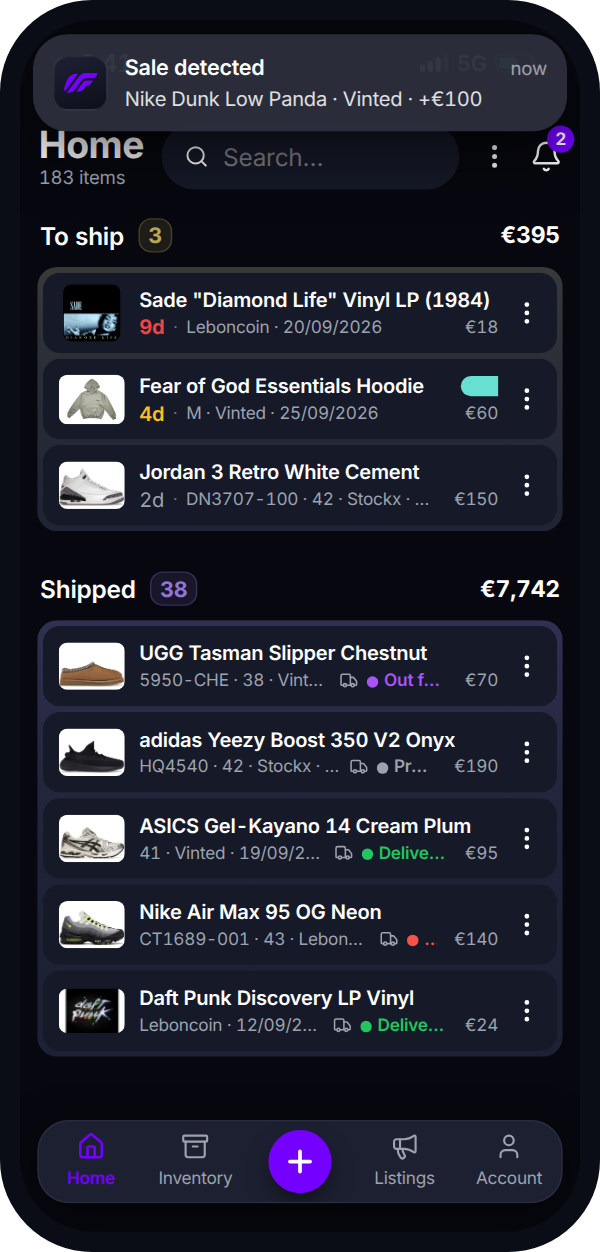
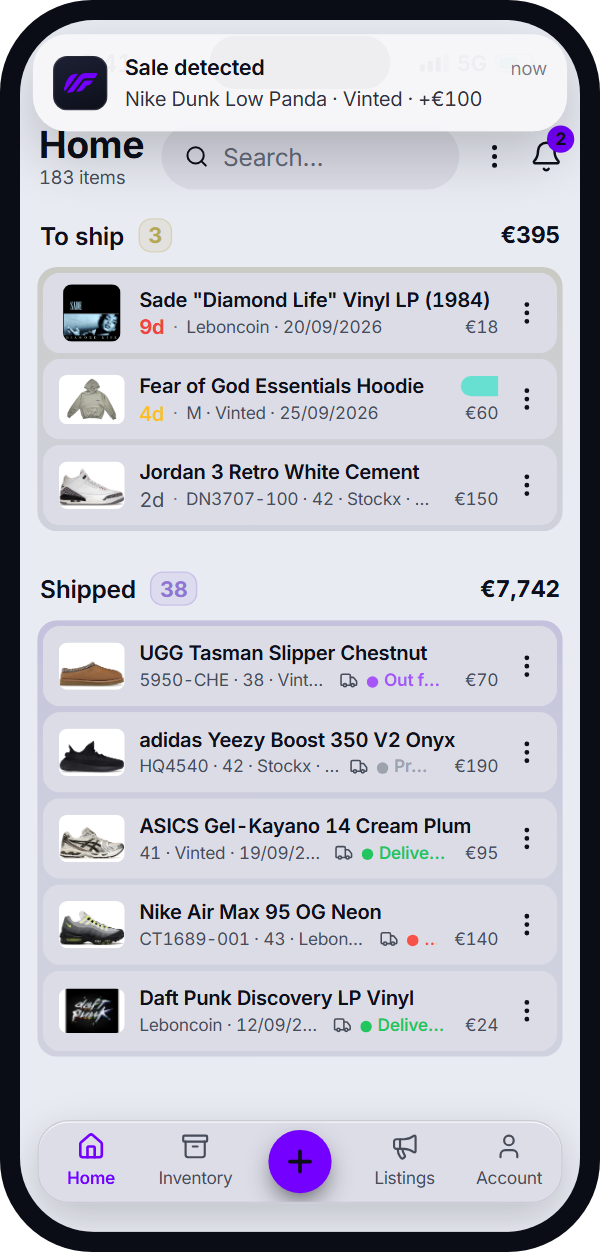
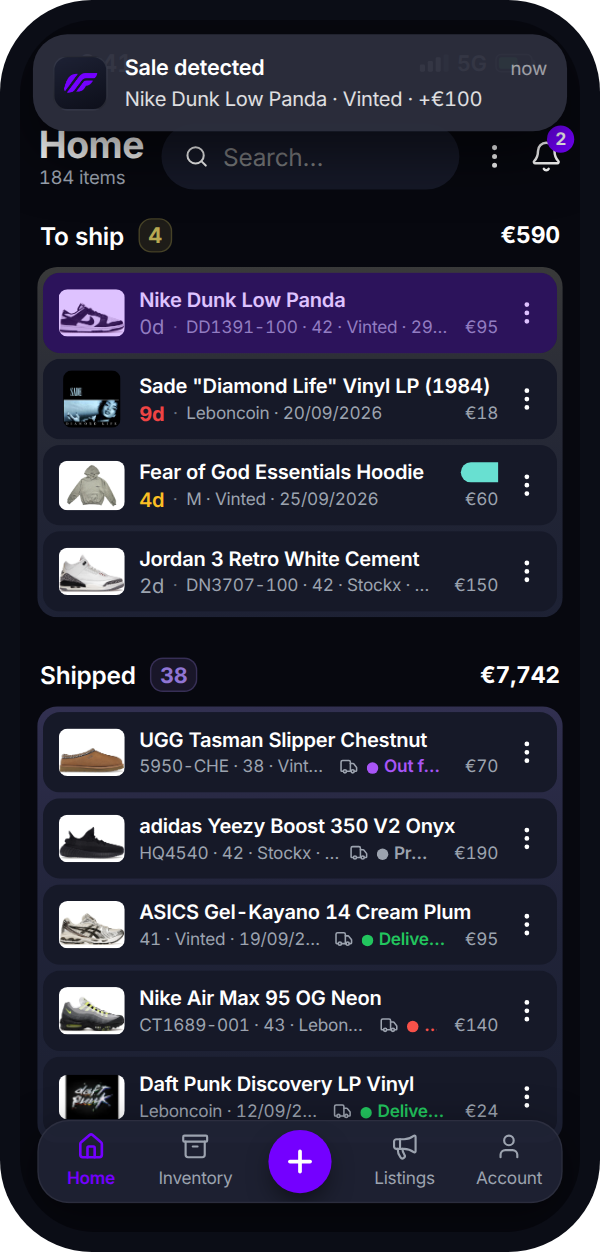
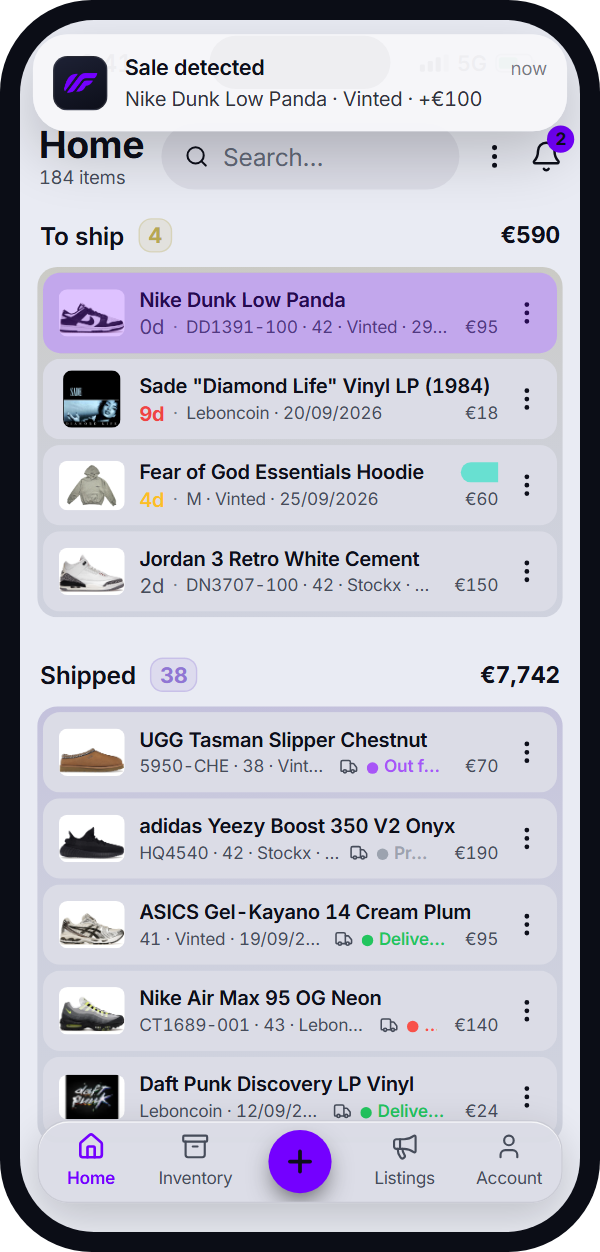
Sales and purchases are detected in your inbox
AI analyses the email and detects sales, purchases and tracking numbers. After you approve them, StockFeel updates your stock.
- Sales, purchases and tracking numbers detected, never imposed
- Nothing is sent or deleted from your inbox
Data entry
An item, not a spreadsheet row
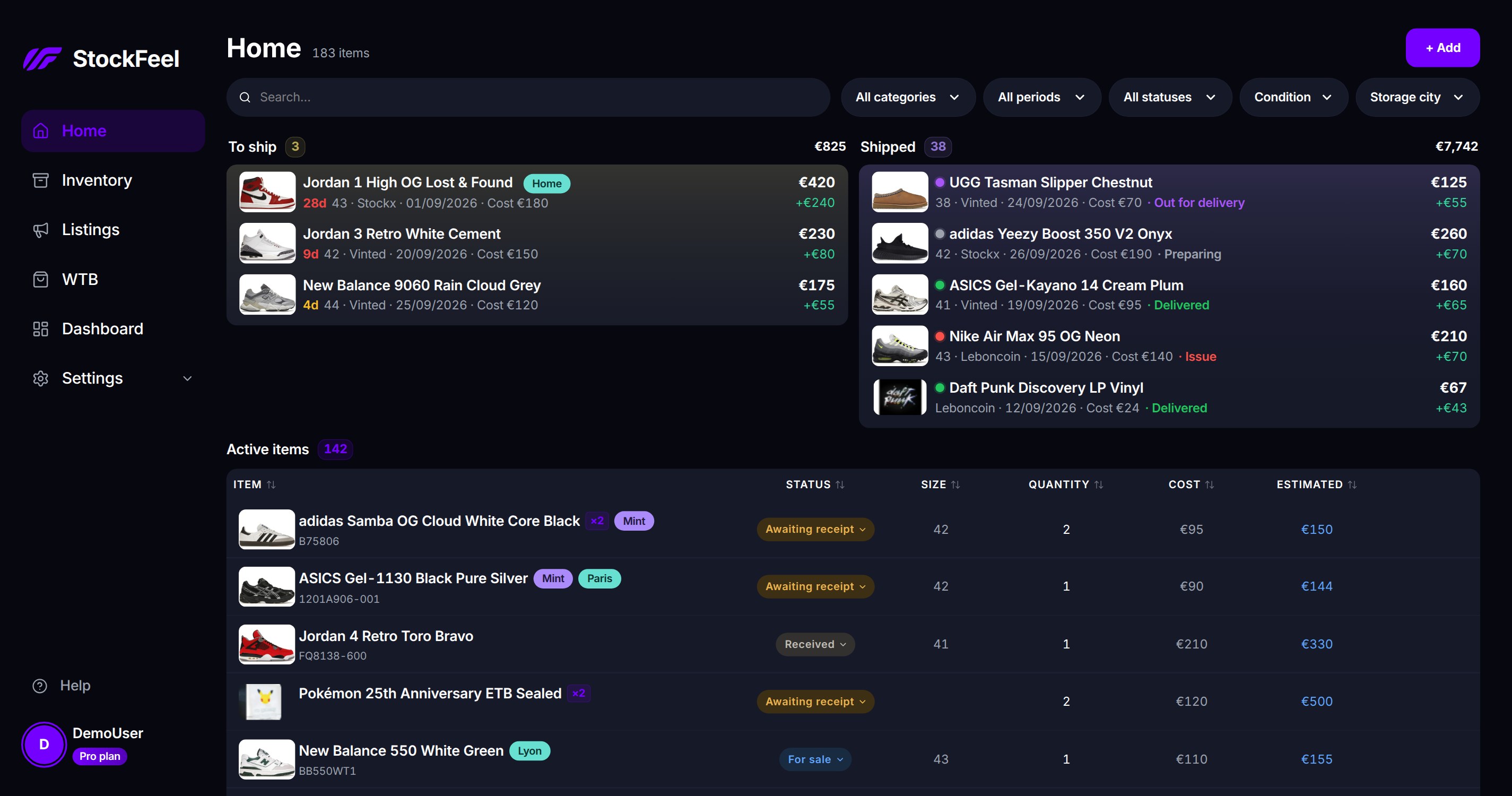
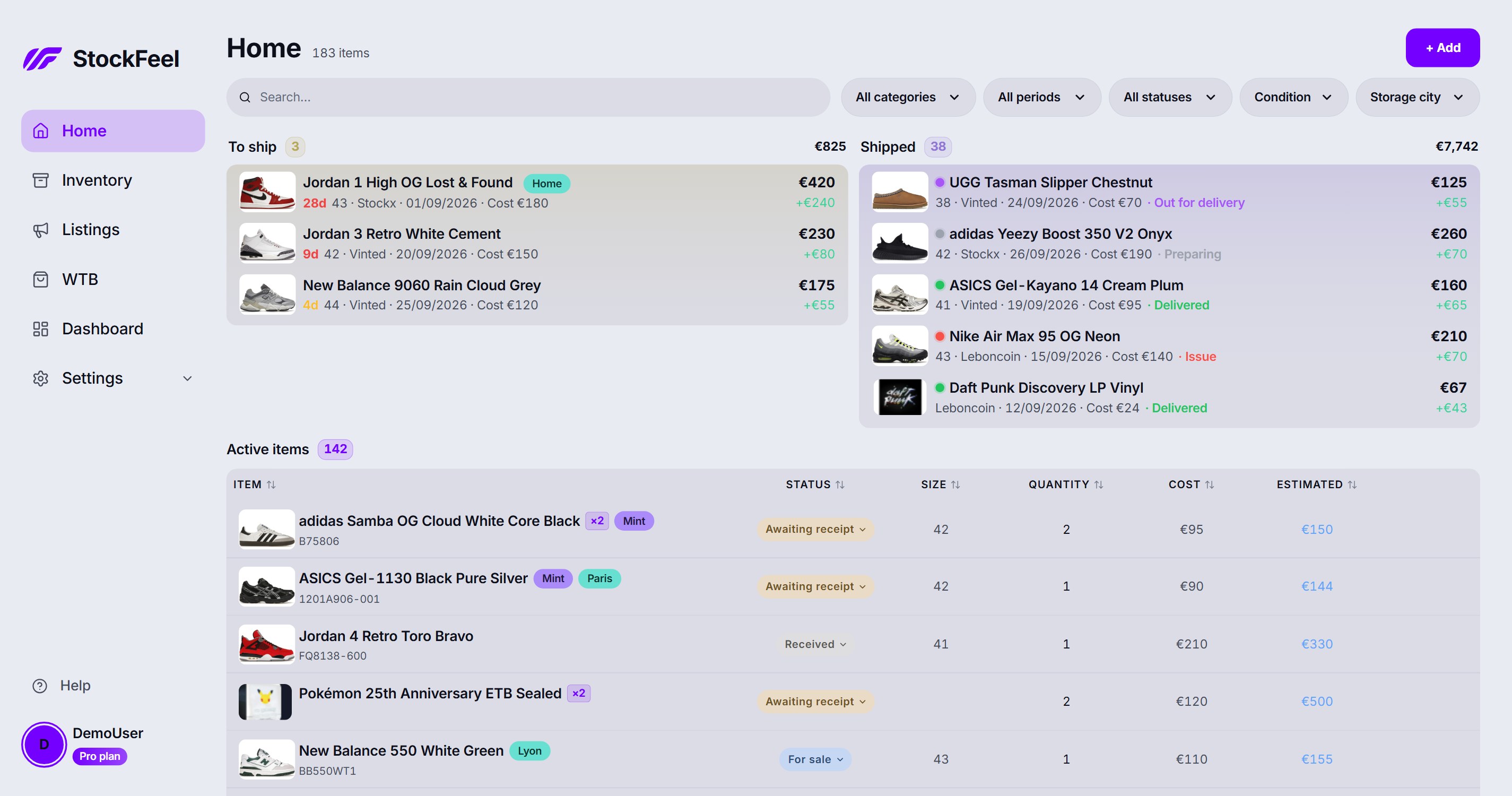
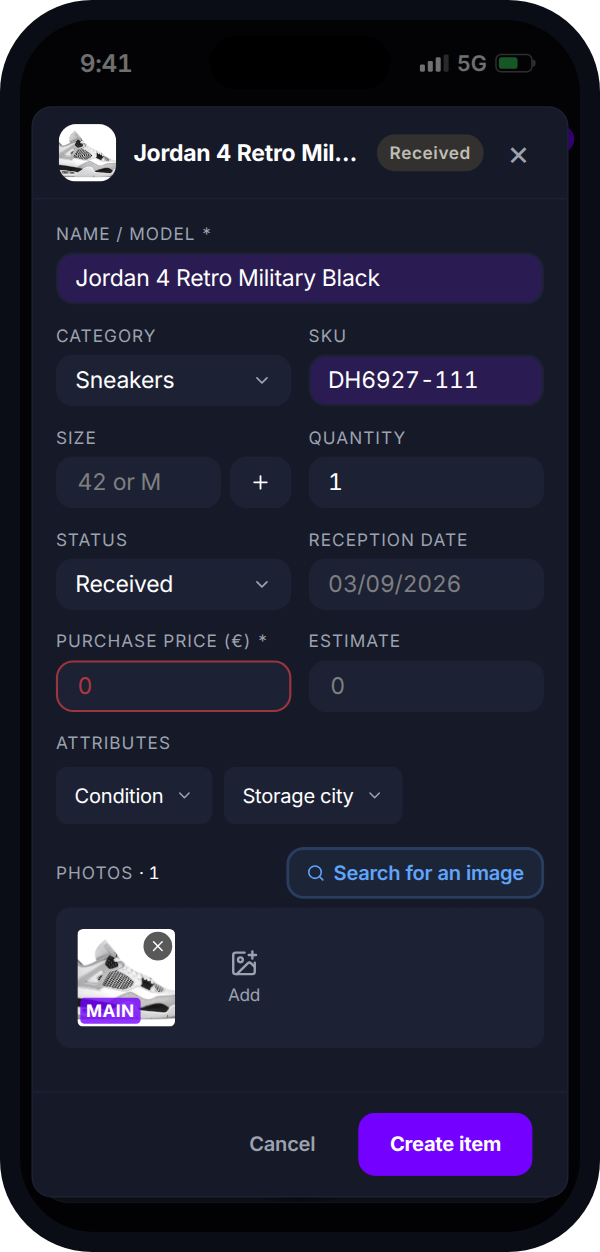
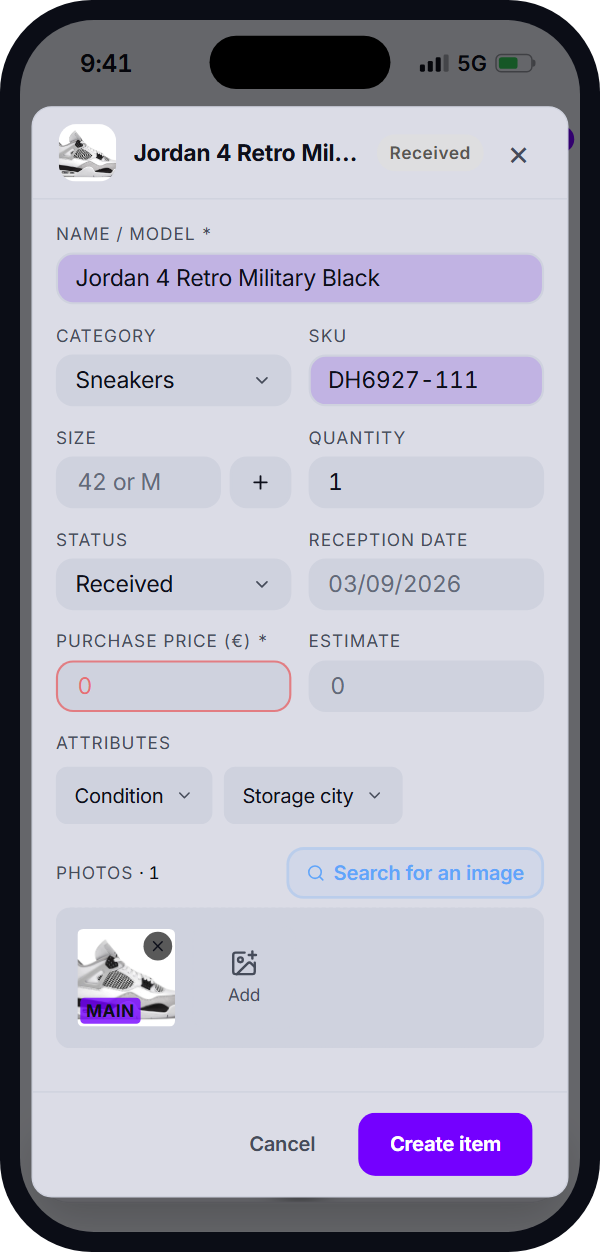
StockFeel keeps your items, quantities, sales and profits in one place. From the name and category, it also finds references, photos and useful information for your product record.
- Quantities, sizes, free-form attributes
- Category-specific references, SKU and suggested photos
- AI-written description based on your template
- Quick multi-quantity sale
Connected once
Your platforms talk to your stock
Connect your platforms once: their listings, sales and purchases then flow directly into your inventory.
 Gmail
Gmail
Inside the app
A clear screen for every decision
Handle priorities, measure results, prepare your accounts and shape StockFeel around your business.
Performance
Manage performance and prepare your accounts
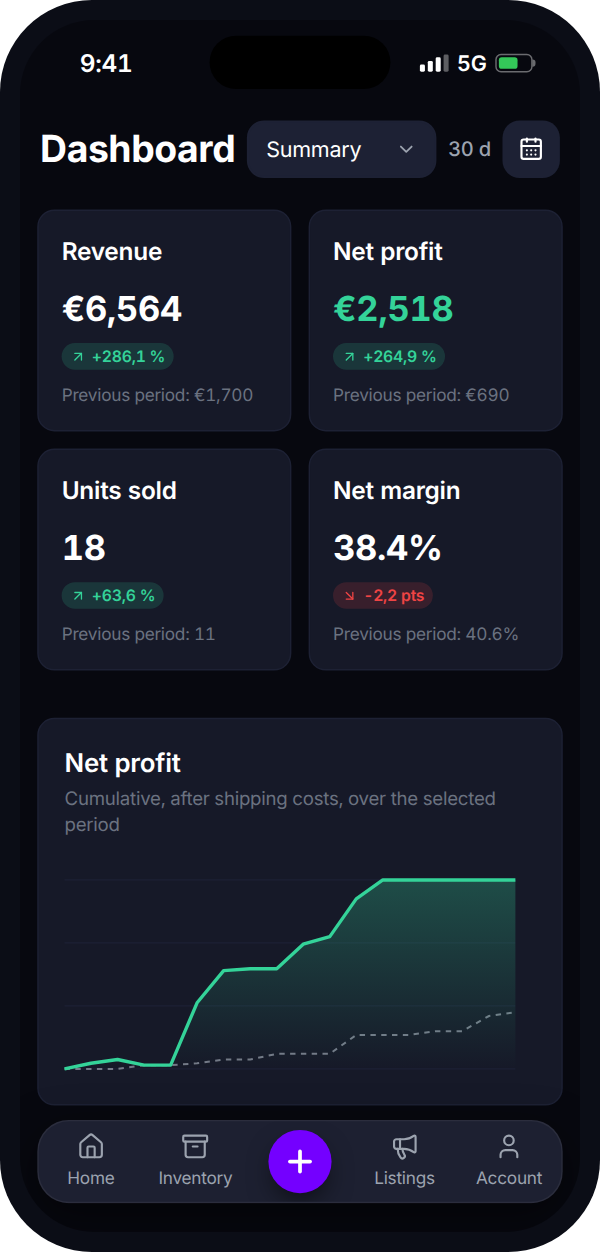
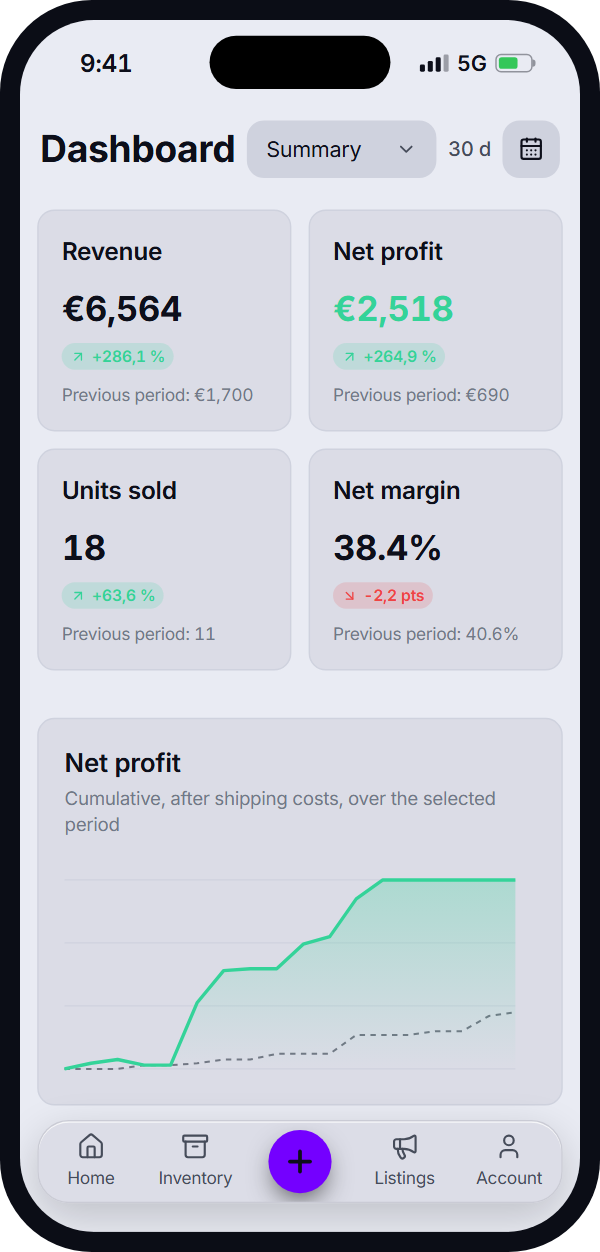
Choose a period to track your results and compare them with the previous one. Purchases, fees and sales are then broken down by month, platform and category.
- Revenue, net profit and margin
- Sell-through rate and inventory breakdown
- Best sellers and most active days
- Monthly detail and indicative French micro-BIC summary
- Export your data whenever you want
Always with you
Install StockFeel on desktop or mobile
Install StockFeel on your computer or add it to your phone's home screen to open it like an app, with no app store required.
- Quick access from your computer, iPhone or Android phone
- Notifications whenever a purchase, sale or tracking number is detected
- Customisable alerts coming soon
Questions
What we get asked most
With no credit card and no time limit, the Free plan lets you track up to 50 items in stock, with sales, profit, analytics, inventory exports and account security. Email detection, marketplaces, AI, parcel tracking and the accounting export require the Pro plan, at €12 per month or €120 per year.
Yes, with no commitment. Everything happens under Settings > My account: upgrade to Pro, switch from monthly to yearly, or cancel. Cancellation takes effect at the end of the period already paid, and Pro stays active until then. Back on the Free plan, nothing is deleted: its limits only apply to new actions.
No. Only sale, purchase and parcel-tracking emails are analysed, and only if you connect Gmail, a Pro plan feature. A label is applied to the ones already read so they are never processed twice. Nothing is sent, nothing is deleted from your inbox.
Yes. Pokémon cards, vinyl, clothing, accessories and tickets work the same way, with free-form attributes for whatever is specific to you.
It's optional: StockFeel works right in your browser. You can also install it on your computer or add it to your phone's home screen to open it like an app. Notifications reach you on desktop as well as on your phone; on iPhone, they require adding it to the home screen.